Reps, weight, duration, distance
Or any combination. Your choice.
 Kheper
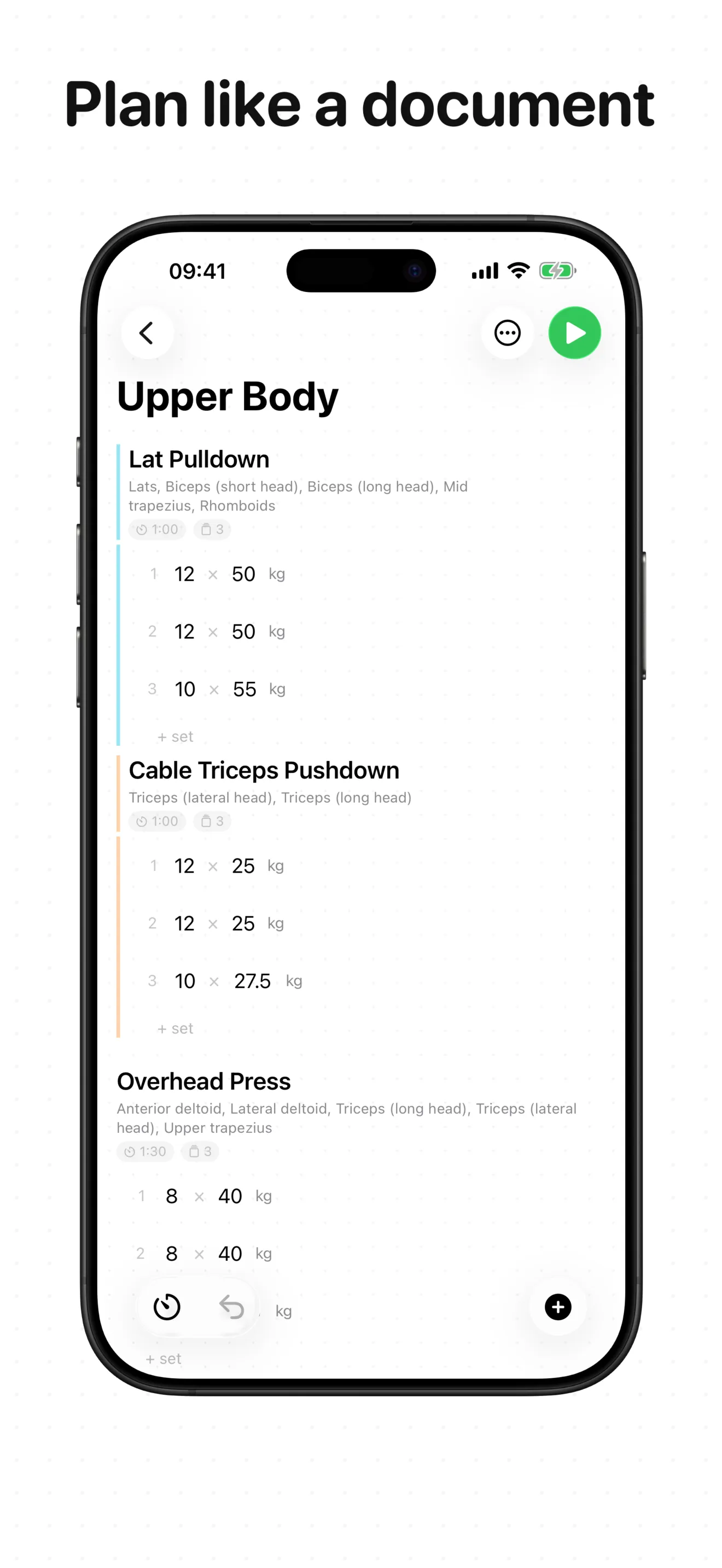
 Plan workouts like a document: drag exercises, build supersets, save templates. No algorithms — just your routine.
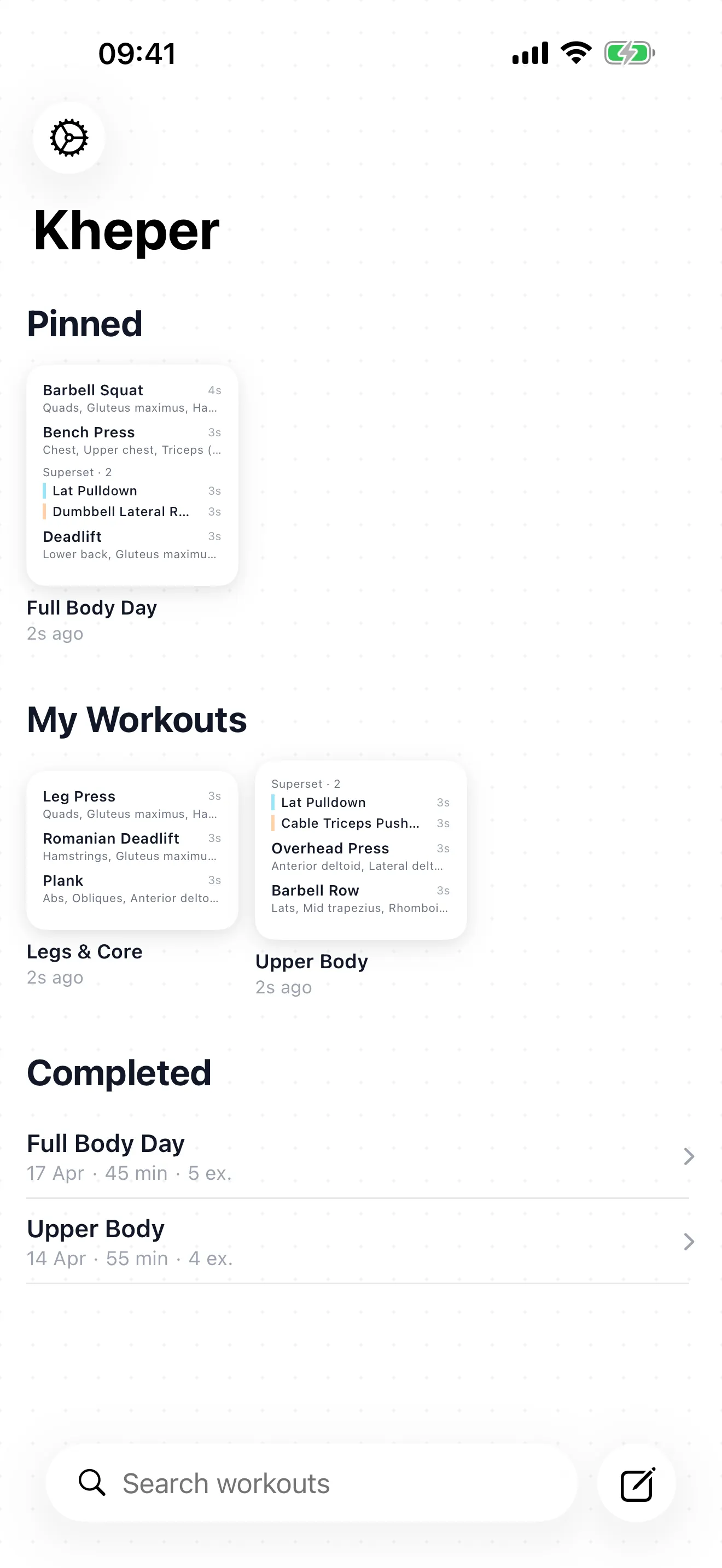
A blank page. You fill it in.
Open Kheper. No routines pre-loaded, no suggestions.
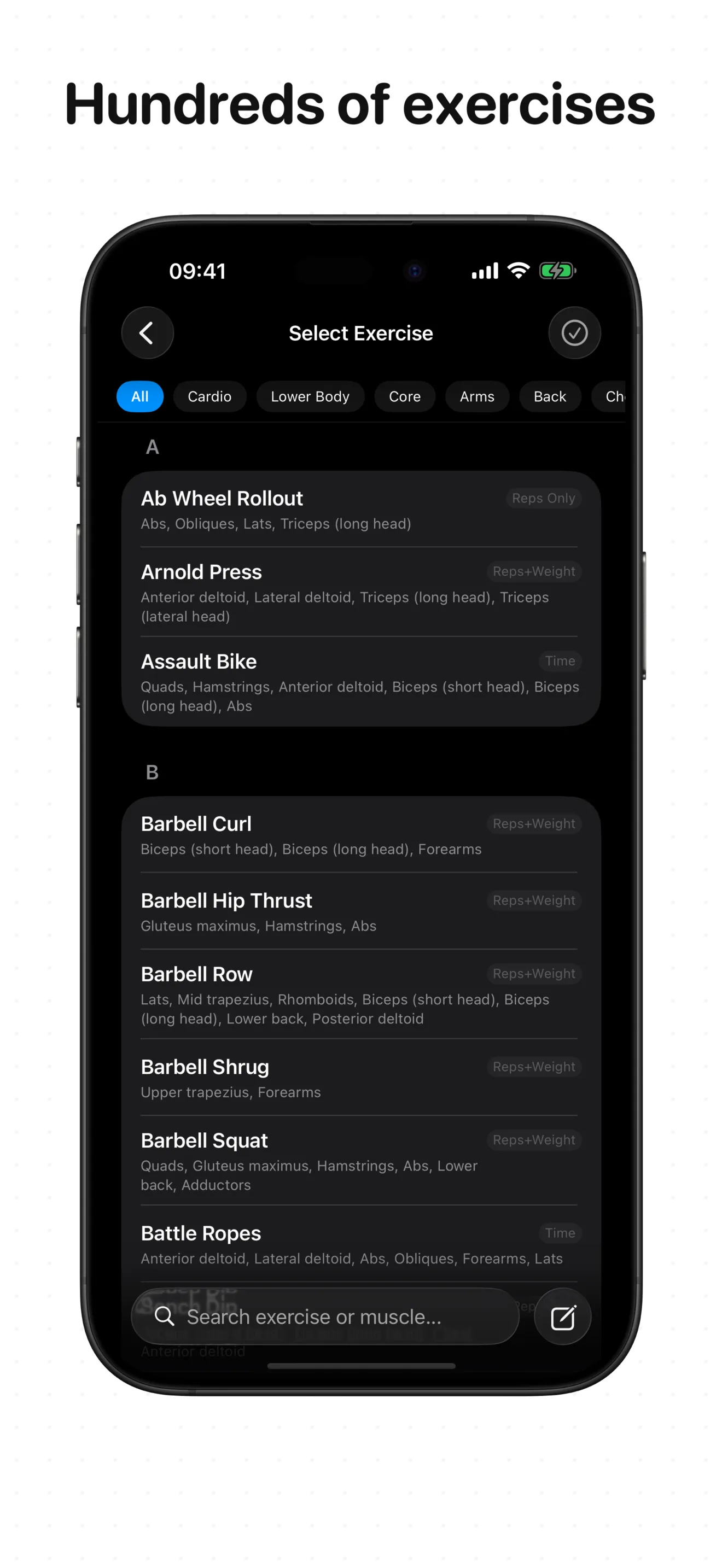
Add exercises, notes, videos. Reorder by dragging.
Reuse any workout. Edit the template, not the past.
Or any combination. Your choice.
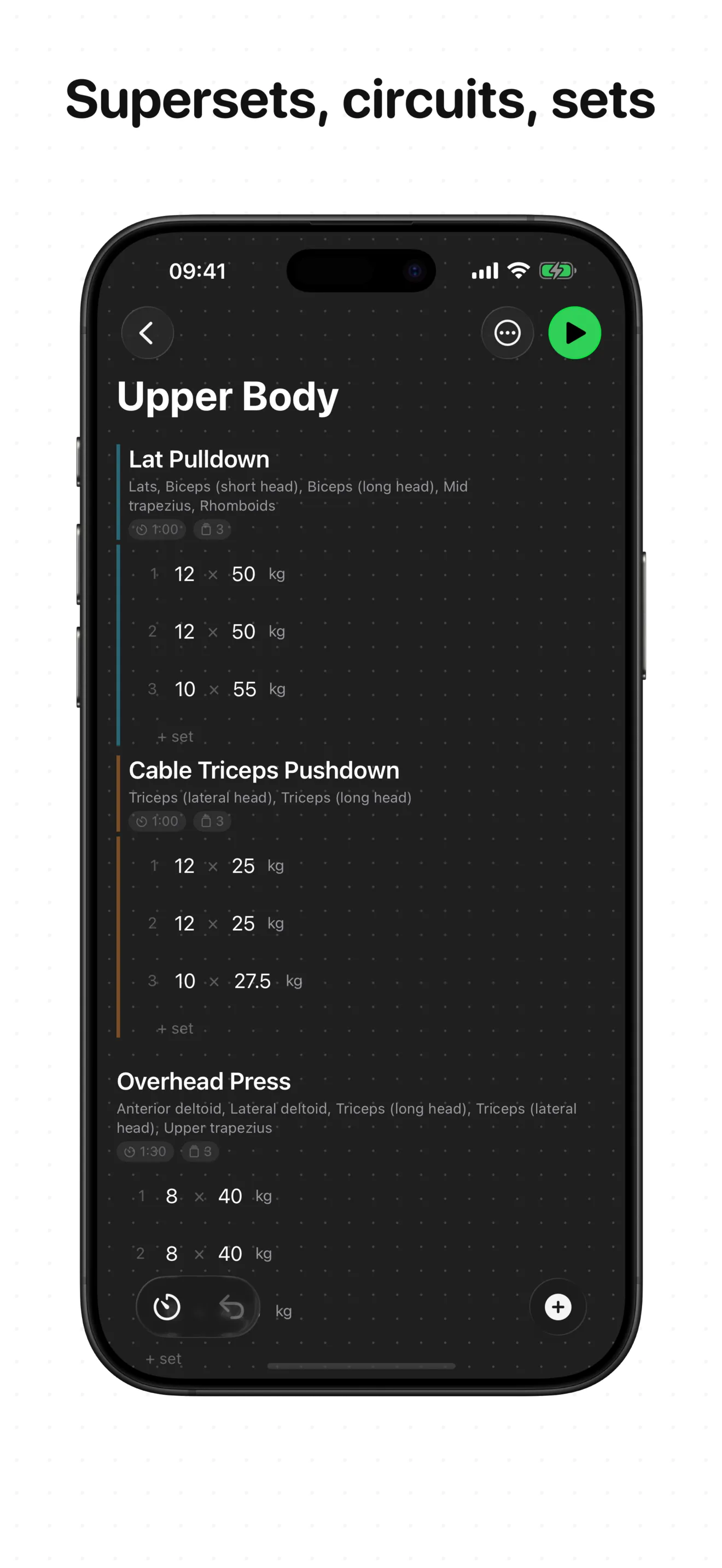
Group exercises into sets.
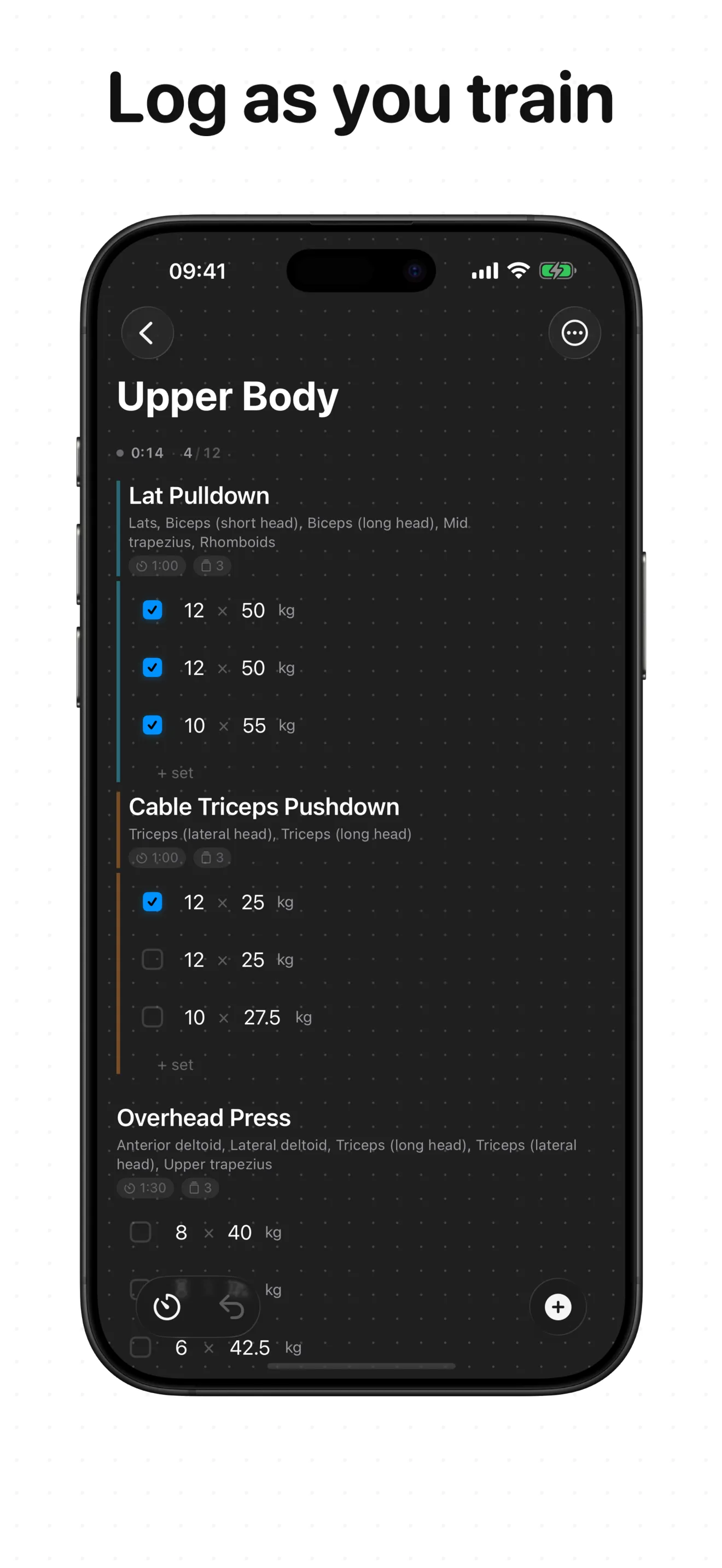
Auto-starts. Lives on the Dynamic Island and lock screen.
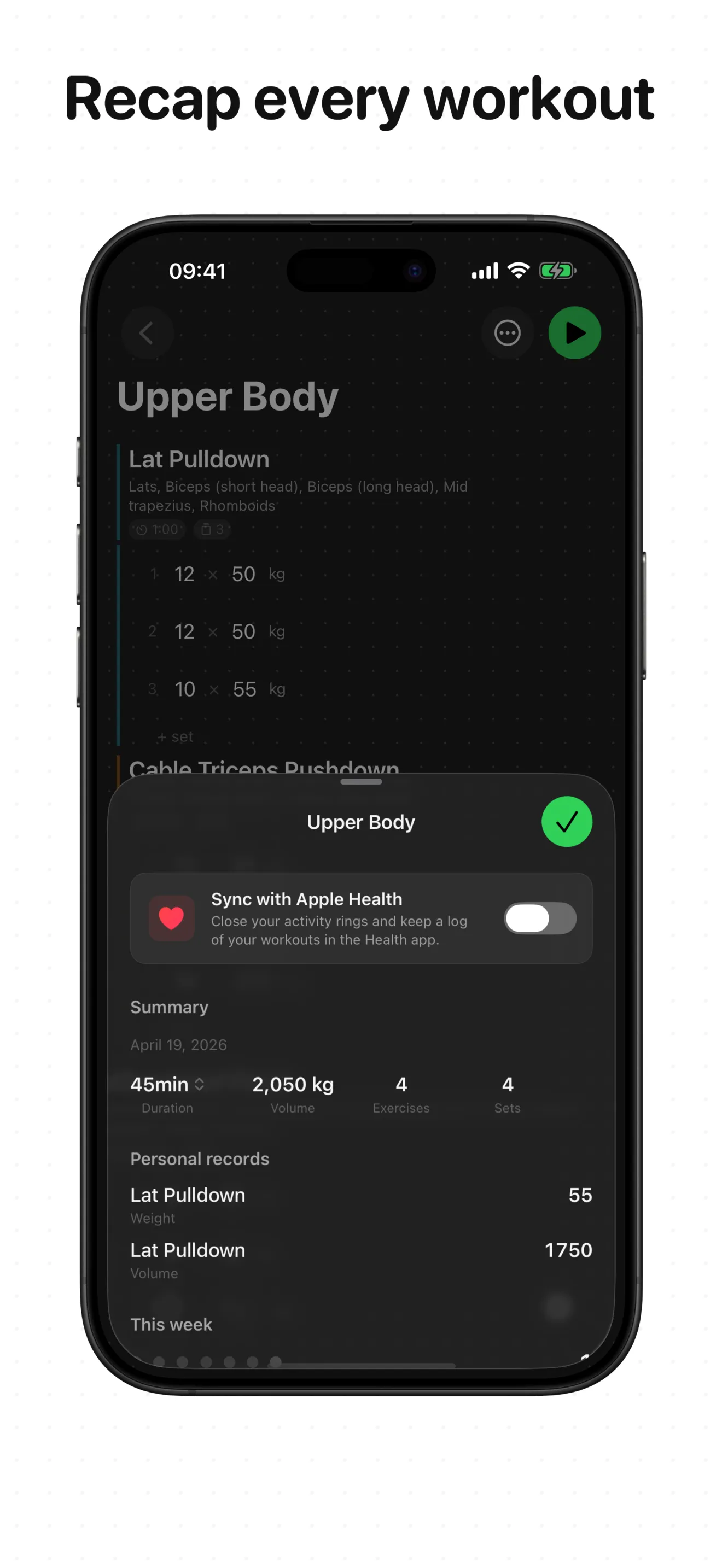
Automatic. No manual tracking.
Workouts write to HealthKit.
Optional. Across your Apple devices.
Yes. All data stays on your device. iCloud sync is optional.
No accounts. No workout analytics. Your data is yours.
Not yet. On the list.
English and Spanish today.
No algorithms. No pre-made routines. Just a blank page.